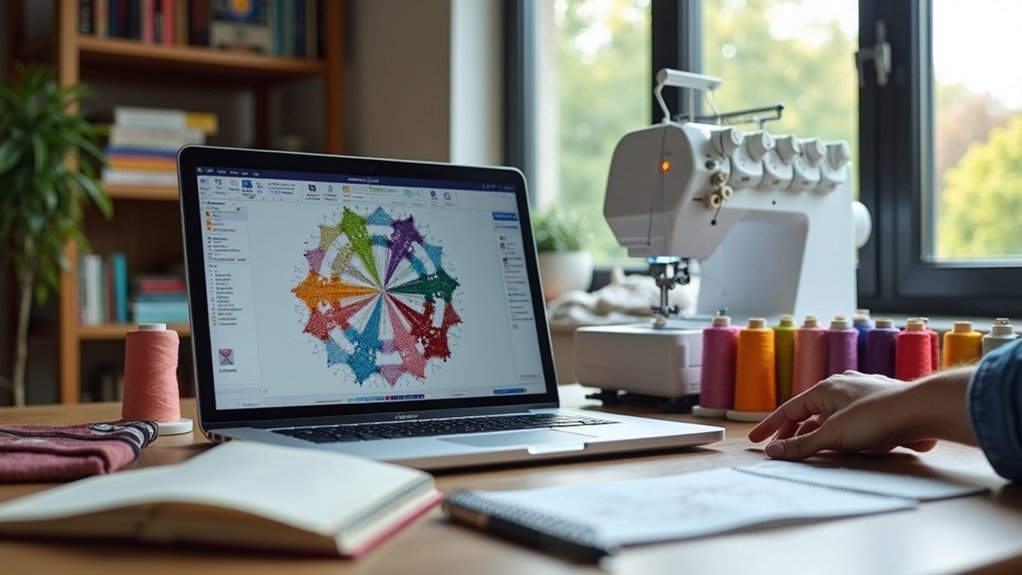
To choose the right software for embroidery digitizing, assess your project complexity and required file formats first. Look for user-friendly interfaces, auto-digitizing features, and extensive editing capabilities. Check compatibility with your machine and consider your budget—there are affordable options available. Explore popular choices like Hatch or SewArt, and take advantage of free trials to test functionality. There’s more insight into specific software options and their features waiting for you.
Key Takeaways
- Assess project complexity to select software with the appropriate digitizing capabilities, from basic to advanced features.
- Ensure compatibility with your embroidery machine’s file formats to avoid issues during design transfers.
- Consider your budget and compare software options, balancing essential features with costs for beginners or commercial use.
- Look for user-friendly interfaces and extensive editing capabilities that allow for customization of designs.
- Take advantage of free trials to explore functionalities and gather insights from community support before making a purchase.
Understanding Your Embroidery Needs
When considering your embroidery needs, how complex are your projects? Intricate designs often demand advanced digitizing software for superior quality, while simpler ones can thrive with auto-digitizing tools.
Make certain your chosen software aligns with your embroidery machine’s file formats, like .pes for Brother or .jef for Janome. Factor in your budget, as options range from beginner-friendly programs like SewWhat-Pro to commercial-level software like Wilcom.
Evaluate the necessary editing capabilities, allowing you to customize thread colors and stitch properties. Finally, seek out community support and learning resources, as these will greatly enhance your experience and skill development.
Key Features to Look For
Finding the right software for embroidery digitizing involves pinpointing key features that match your specific requirements.
Look for embroidery digitizing software that supports multiple file formats, ensuring compatibility with various machines. Consider robust auto-digitizing capabilities for quick designs, while also having options for manual digitizing for intricate work.
A user-friendly interface can notably reduce the learning curve, making it easier for beginners. Extensive editing capabilities, including resizing and stitch adjustments, are essential for customizing designs.
Finally, investigate the availability of tutorials and support, which can greatly enhance your learning experience and mastery of the software.
Comparing Popular Software Options
As you explore the landscape of embroidery digitizing software, you’ll encounter a variety of options tailored to different skill levels and needs.
Hatch Software stands out with robust features, including auto-digitizing and advanced editing capabilities, though it’s pricier.
Hatch Software offers powerful auto-digitizing and advanced editing tools, making it a premium choice for serious embroiderers.
Embrilliance excels for Mac users seeking basic editing and customization.
For beginners, SewWhat-Pro and SewArt offer affordability, focusing on editing and auto-digitizing, respectively.
If you’re targeting commercial use, Wilcom’s Embroidery Studio provides intricate design capabilities at a premium cost.
Finally, Ink/Stitch is a free, effective tool for digitizing SVG files, but may challenge novices with its learning curve.
Budget and Support Considerations
How can you balance your budget while ensuring you get the right support for your embroidery digitizing software?
Start by evaluating your embroidery goals and the features you truly need. Some software options may offer advanced features at a higher cost, but affordable solutions often provide valuable support resources.
Look for free trials to assess usability, ensuring alignment with your budget. Research user feedback about training assistance and community forums, as these can enhance your learning process.
Testing Software With Free Trials
After carefully considering your budget and support options, it’s time to explore the practical side of choosing embroidery digitizing software: testing it through free trials. Free trials, like those from SewWhat-Pro and Embird, let you access key functionalities and compare software options without commitment. Although saving designs may be restricted, these trials encourage you to engage fully with the software’s features. Don’t forget to connect with user communities during this period; they can enhance your learning experience by offering valuable insights.
| Software | Key Features |
|---|---|
| SewWhat-Pro | User-friendly, versatile |
| SewArt | Robust design tools |
| Embird | Modular functionality |
| Embrilliance | Cross-platform compatibility |